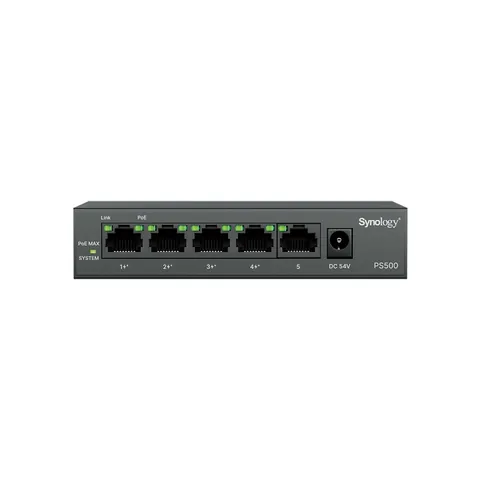
PS500
Synology PS500 5-port PoE+ switch
Built for effortless surveillance deployment.
$249.00inc. GSTIn stock
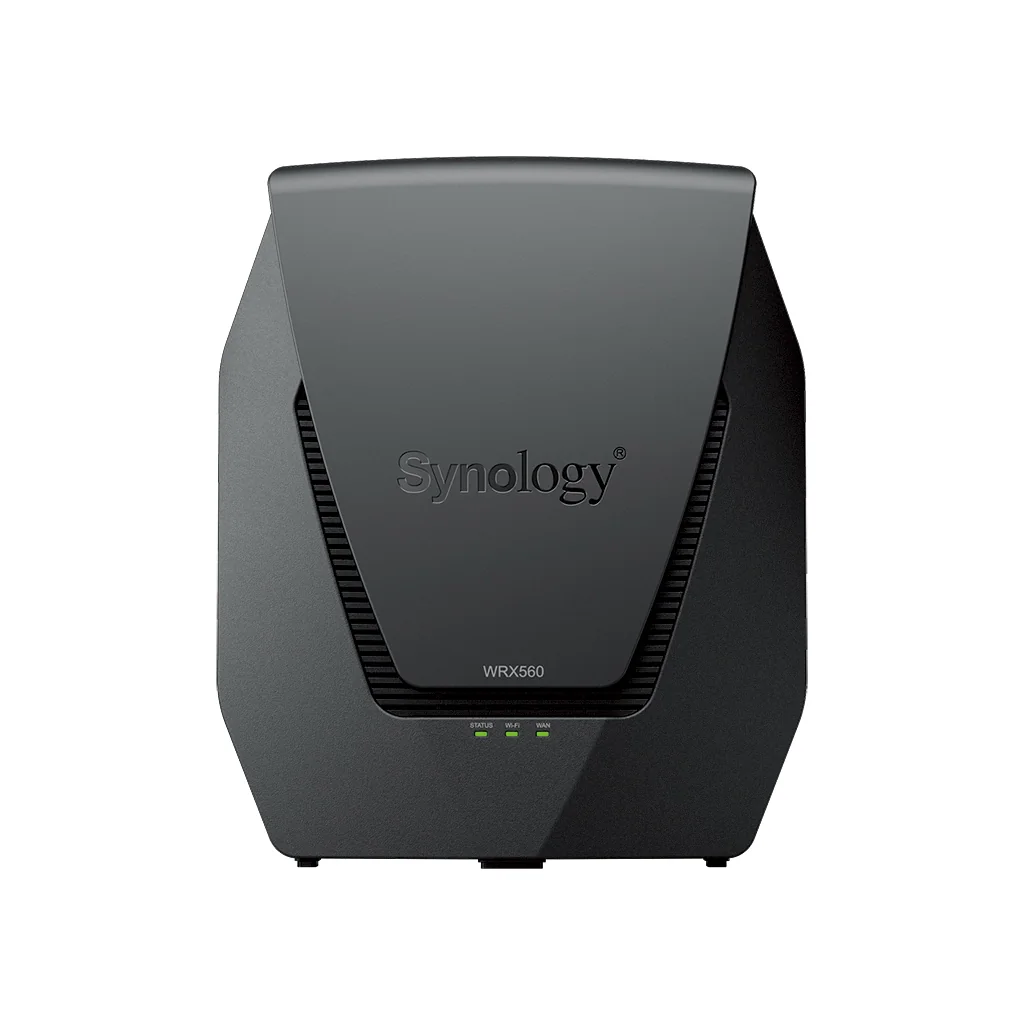
Router · WRX560
Fast and secure mesh router for home
All Synology routers can be used in mesh configuration.
Shop for Synology routers at your favorite online store.
The WRX560 is a feature-packed high performance router designed for busy households and home offices. Take advantage of mesh network capability for seamless whole-house coverage. Support for 3 Gbps wireless speeds and up to 150 connected devices ensures fast, uninterrupted internet connectivity, even in busy network environments.
As published by Synology for the WRX560. Confirm the latest data sheet before relying on a figure for a tender.
| Temperature | |
|---|---|
| Operating Temperature | 5°C to 40°C (40°F to 104°F) |
| Storage Temperature | -20°C to 60°C (-5°F to 140°F) |
| Relative Humidity | 5% to 95% RH |
| Warranty | |
| Wireless | |
| Maximum MAC Filters | 64 |
| Maximum devices on per MAC filter | 256 |
| Seamless Roaming | 802.11k/v/r standard support |
| Maximum Number of Wi-Fi SSID | 10 |
| Guest Network | Guest Portal Customized page style Connection time limit Password Rotation |
| Recommended Maximum Number of Wi-Fi Points | 1 Primary + 6 Wi-Fi points (in all wireless uplink connection environment) 1 Primary + 12 Wi-Fi points (in all wired uplink connection environment. ) |
| Maximum Connected Devices | 150 |
| *Notes | The numbers above are for reference only. Actual performance and behavior may depend on network environment and settings WRX560 supports at least 150 connected devices concurrently transmitting data |
| Network | |
| Internet Connection | Dynamic IP, Static IP, PPPoE, PPTP, DS-Lite (AFTR) Android Tethering iPhone Tethering |
| Operating Mode | Wireless Router Wireless AP |
| IPv6 | IPv6 DHCP server/client, DS-Lite, 6in4, 6to4, 6rd, Dual-Stack, DHCPv6-PD, IPv6 Relay, FLET's IPv6 |
| DHCP | Server/client mode, client list, MAC address reservation |
| Maximum DHCP Reservations | 500 |
| Maximum IPv4 Static Routes | 100 |
| Maximum IPv6 Static Routes | 100 |
| Diagnosis Tools | Ping Traceroute |
| VLAN | |
| Maximum Number of Network Segmentation | 5 |
| Port Forwarding | |
| Maximum Port Forwarding Rules | 64 |
| Maximum UPnP Rules | 64 |
| Port Triggering | |
| Maximum Port Triggering Rules | 32 |
| Minimum Port Triggering Timeout | 30s |
| Maximum Port Triggering Timeout | 3600s |
| Traffic Control | |
| Maximum Device Rules | 64 |
| Maximum Application Rules per Device | 32 |
| Traffic Monitor | |
| Historical Statistics | Daily, Weekly, Monthly, Annual |
| Traffic Report | |
| Traffic Analysis Period | Daily, Weekly, Monthly, Annual |
| Export Formats | .CSV, .HTML |
| Safe Access | |
| User Profile | 15 |
| Network Profile | 5 |
| IPv4 / IPv6 DNS-based Web Filter | Schedule Database Request to unblock |
| Customized Allow / Block List | Maximum blocked URLs: 100 Maximum allowed URLs: 100 |
| Safe Search | Bing, Google, YouTube, Duckduckgo |
| Threat Intelligence Database | Support in IPv4 & IPv6 |
| Google Safe Browsing | Support in IPv4 & IPv6 |
| Database Auto Update | Threat Intelligence Database, Google Safe Browsing, DNS-based web filter |
| VPN Plus Server | |
| Maximum Client VPN Access License | 20 |
| Maximum Site-to-Site VPN Tunnels | 10 |
| Remote Desktop (RDP + VNC) | 3 |
| Download Station | |
| Maximum Concurrent Download Tasks | 20 |
| Maximum Concurrent BT Download Tasks | 20 |
| Supported Mobile Apps | |
| DS router (Android/iOS) | First Time Installation Network overview Wi-Fi management Wi-Fi system topology Safe Access Traffic Control Network security (firewall, port forwarding, Internet ban) Wake on LAN System Update |
| Wake on LAN (WOL) | |
| Maximum Connected Devices | 100 |
In-stock items leave our Australian warehouse within one business day. Order-in items usually arrive in 3 to 7 business days from the distributor. Shipping is calculated at checkout from the weight of your order (this item: 1.901 kg).
Shipping detailsGenuine Australian stock with Synology's manufacturer warranty, serviced locally. Warranty terms are on the Synology data sheet for this model.
Returns and warrantyWe will confirm compatibility with your existing NAS, recommend drives and memory, or quote a configured unit for a business site.
Ask belowCompatibility, lead times, a quote for several units: a person replies, usually the same business day.
Built for effortless surveillance deployment.

It's not just another Wi-Fi system. It's better Wi-Fi and safer Internet ahead.
 Popular
 Popular