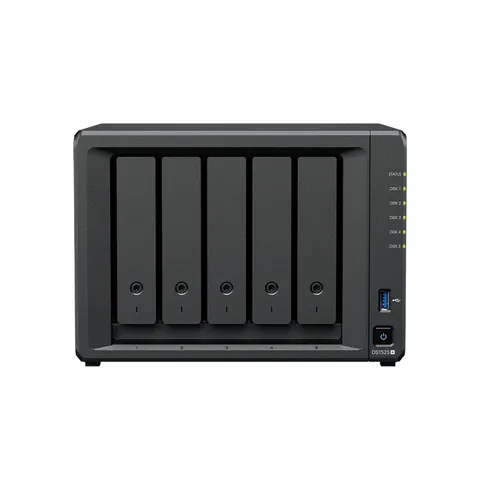
 Popular
DS1525+
Synology DiskStation DS1525+ 5-bay NAS
Versatile all-purpose data hub
$2,499.00inc. GSTOnly 2 left
 Popular
Versatile all-purpose data hub
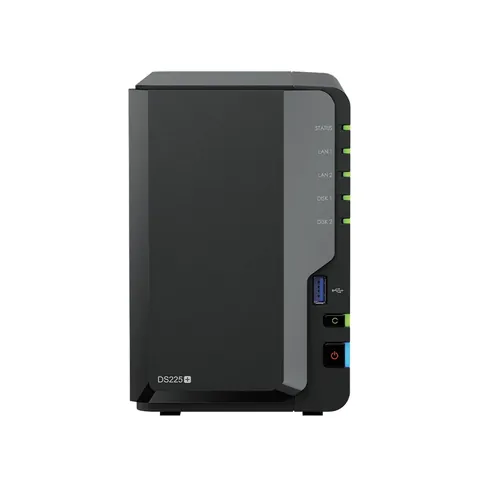 Popular
Compact data storage for home & edge

Compact, quiet, and energy-efficient storage

Data management platform for home and small office

Compact and capable storage for home, small business, and edge

Flexible large-scale storage for small and medium-sized businesses.

Powerful and high-capacity storage that fits in any environment
DS925+: the first digit after DS is the maximum number of bays including expansion (9 here, 4 in the chassis plus a DX525), the next two are the model year, and the suffix is the tier. j is the entry level, no suffix is the Value series, + is Plus with faster CPUs and expansion support, neo+ is the newest Plus revision, and xs+ is the performance tier with ECC memory and 10GbE.
Every DiskStation ships diskless. Current models support Synology's own HAT3300 Plus and HAT5300 Enterprise drives, and the 25-series Plus models will only create storage pools on drives from Synology's compatibility list. Add drives to the same order and we will ship them together.